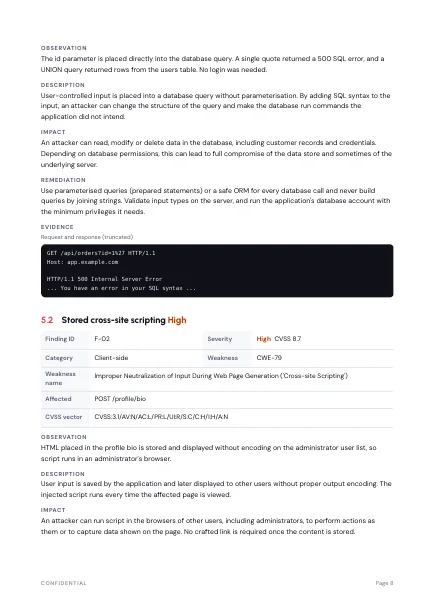
Stored cross-site scripting
6.1
Medium
CVSS:3.1/AV:N/AC:L/PR:N/UI:R/S:C/C:L/I:L/A:N
Import Burp, ZAP and Nessus results, throw out the false positives, rate what is left with CVSS 3.1, and export a finished PDF or Word report.
The free plan includes one project. No credit card.
Imports
Burp SuiteOWASP ZAPNessusExports
PDFWordCVSS:3.1/AV:N/AC:L/PR:N/UI:N/S:C/C:H/I:H/A:H10.0CVSS:3.1/AV:N/AC:L/PR:N/UI:R/S:C/C:L/I:L/A:N6.1CVSS:3.1/AV:L/AC:L/PR:L/UI:N/S:U/C:H/I:H/A:H7.8CVSS:3.1/AV:N/AC:L/PR:N/UI:N/S:U/C:L/I:N/A:N5.3CVSS:3.1/AV:N/AC:L/PR:L/UI:R/S:U/C:H/I:H/A:H8.0CVSS:3.1/AV:L/AC:H/PR:H/UI:R/S:U/C:L/I:N/A:N1.8CVSS:3.1/AV:N/AC:L/PR:N/UI:N/S:U/C:H/I:H/A:H9.8CVSS:3.1/AV:N/AC:H/PR:N/UI:N/S:U/C:H/I:N/A:N5.9CVSS:3.1/AV:N/AC:L/PR:N/UI:N/S:U/C:N/I:N/A:H7.5CVSS:3.1/AV:A/AC:L/PR:N/UI:N/S:U/C:L/I:L/A:N5.4One workspace for the findings, the evidence, the rating and the document your client receives.
30 written vulnerability types with CWE, impact, fix and a starting CVSS vector. Rewrite any of it for the engagement.
Replaces copy-pasting from old reports
Pick the metrics and see the score. It is calculated on the server from the vector, so the two never disagree.
Replaces a separate calculator tab
Paste screenshots, cover sensitive data and mark what matters before the picture enters the report.
Replaces editing images by hand
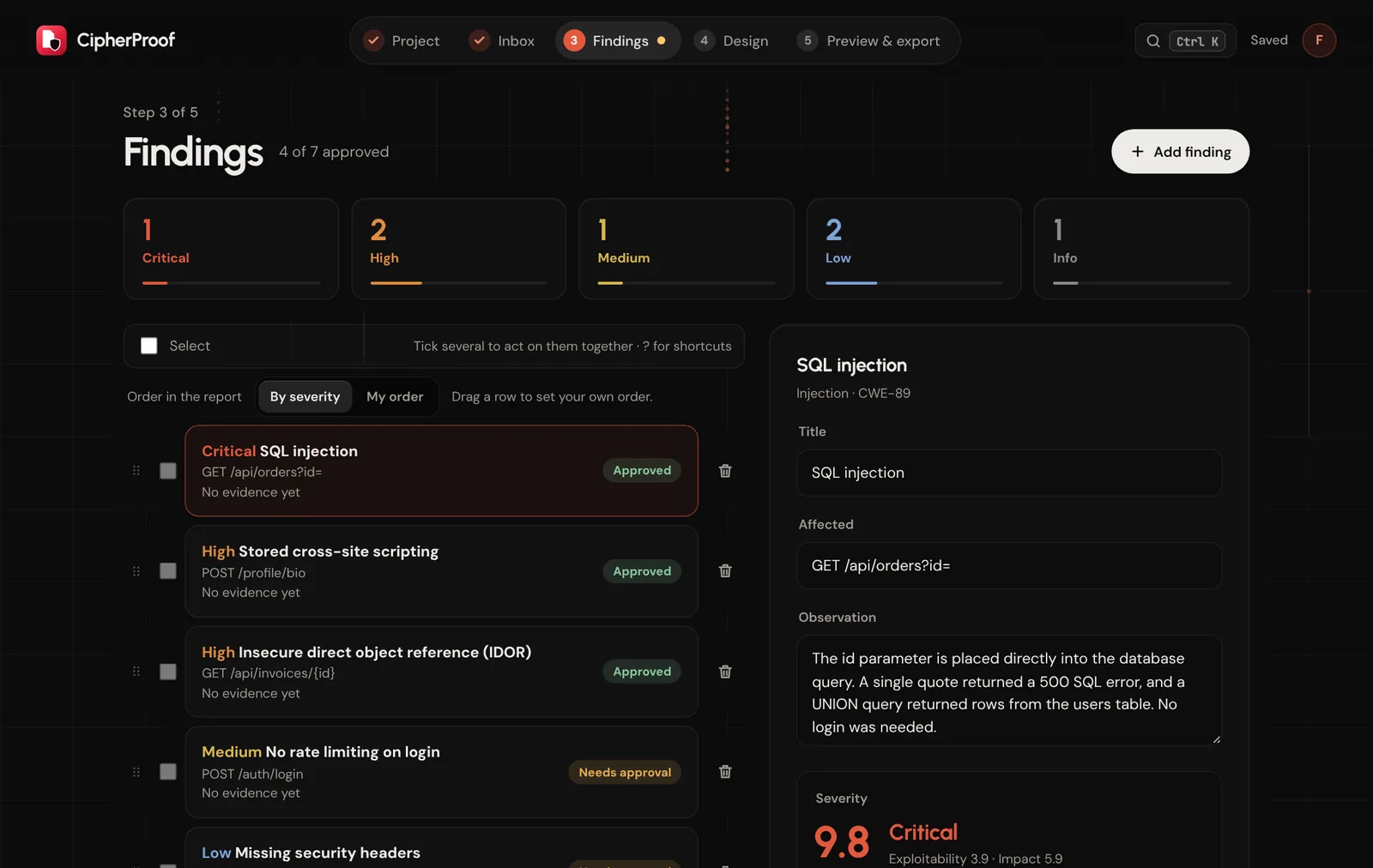
Results are grouped by kind of issue. Mark a kind as a false positive once and it is remembered for the next import.
Replaces sorting a 200-row export
Mark each finding open, fixed, verified or risk accepted. Once a retest starts, the report gets a status section.
Replaces a retest spreadsheet
Six templates with contents, executive summary and page numbers in place. Word export is part of Pro.
Replaces layout work in Word
One Burp scan of a test application gave 231 results. CipherProof grouped them into 12 kinds of issue. You mark each kind as real, a false positive or not relevant, and only the real ones are written up.
Each bright square is one kind of issue. The rest are the same issue in other places.
231 → 12results became kinds of issue to decide
Change a metric and the rating follows. In CipherProof the score is calculated on the server from the vector, so a report never shows a number that does not match it.
CVSS:3.1/AV:N/AC:L/PR:N/UI:R/S:C/C:L/I:L/A:N
Drop in a Burp, ZAP or Nessus file. Results are grouped by kind of issue and low-value ones are hidden. Mark a kind as a false positive once and CipherProof remembers it for your next projects.
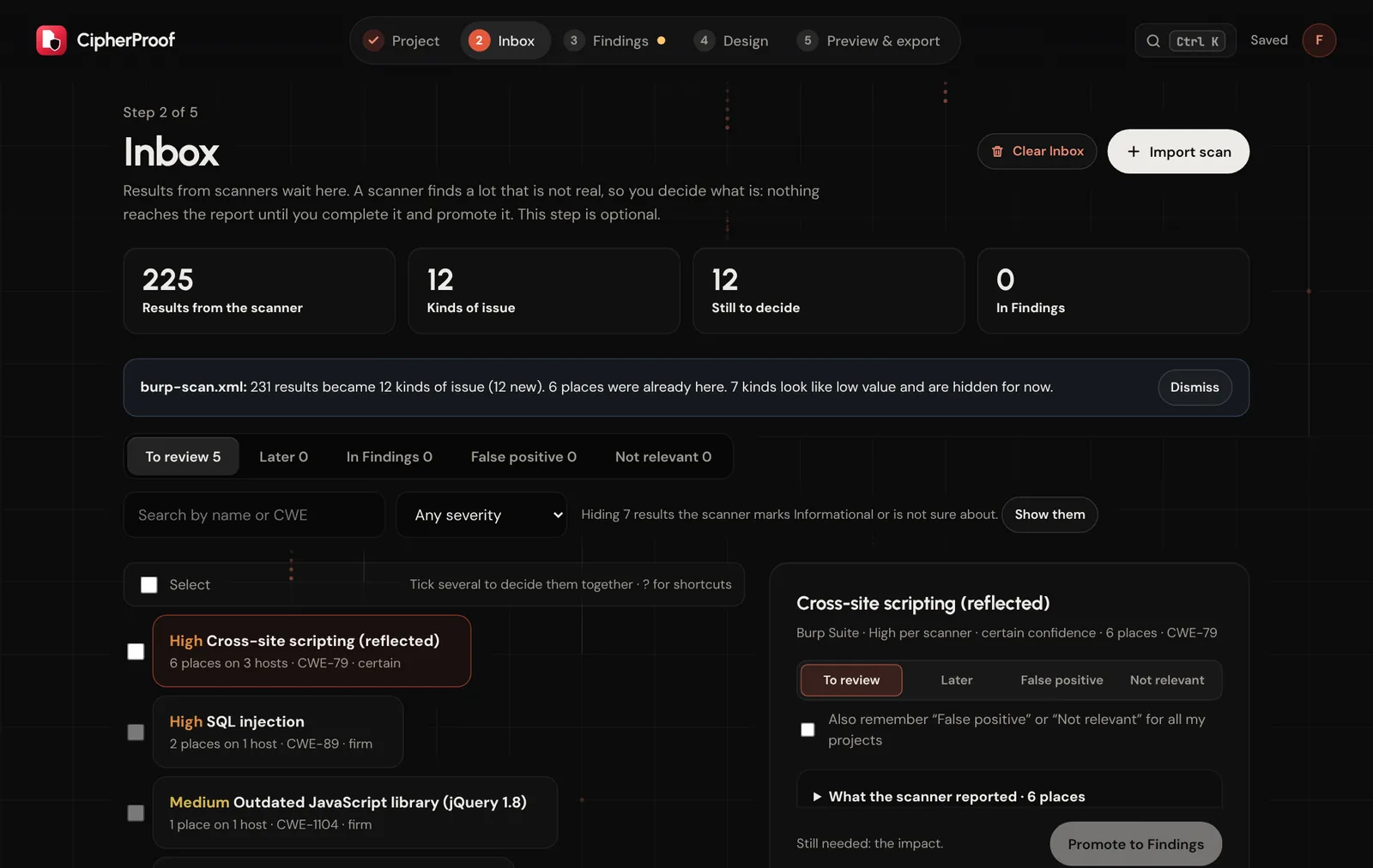
Fill in impact and remediation, add your own observations and screenshots, and check the CVSS vector. Nothing reaches the report until you promote it, and a rating that started from a scanner always waits for your approval.
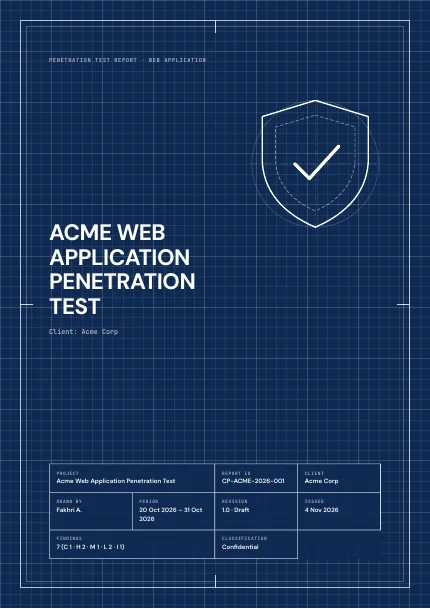
See the real PDF before you export it, with contents, executive summary and page numbers already in place. Export it as a PDF, or as a Word file on the Pro plan.
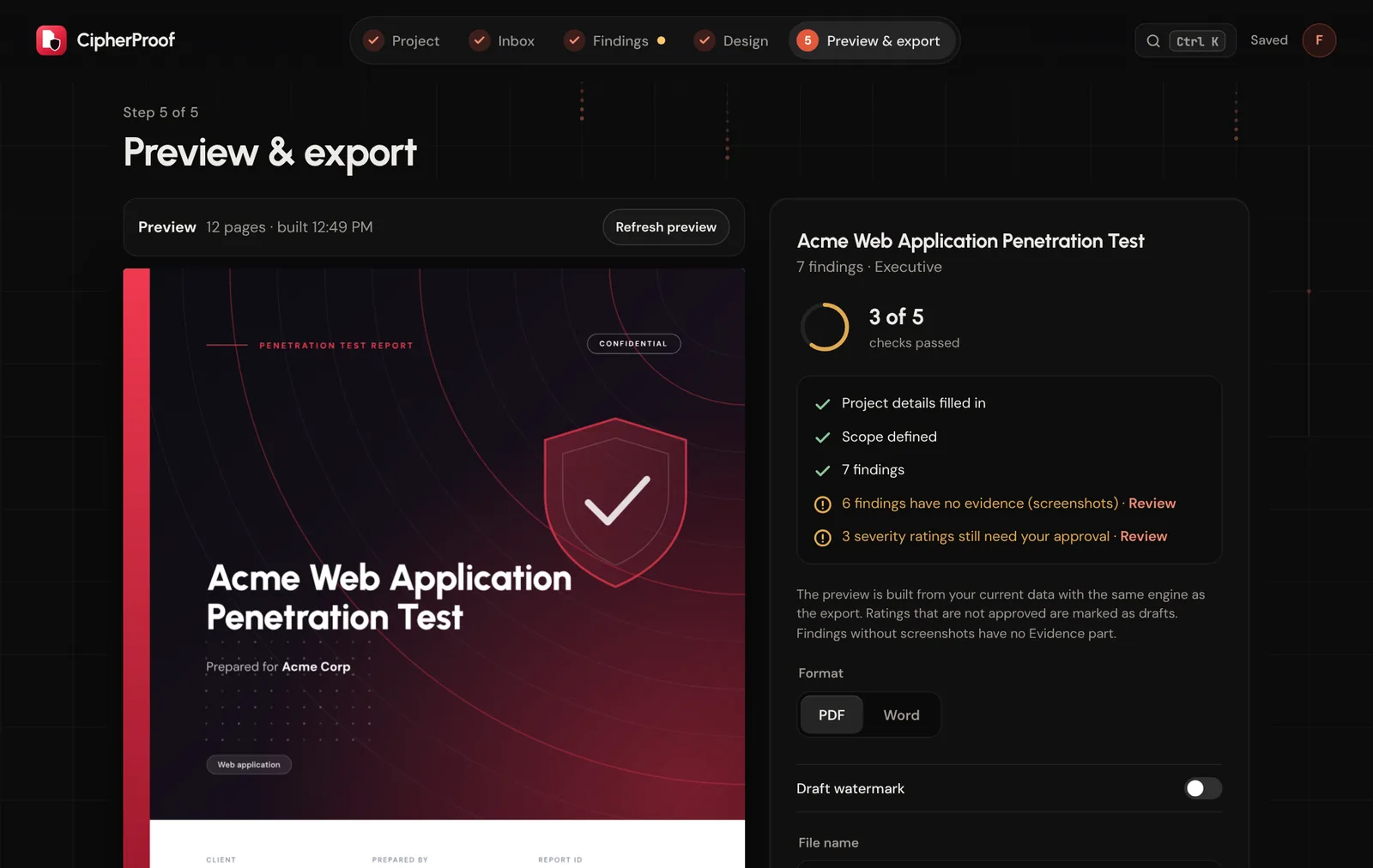
Pick a template, set your accent colour and logo, and every report looks like it came from your firm. Pro reports carry your company name in the footer.
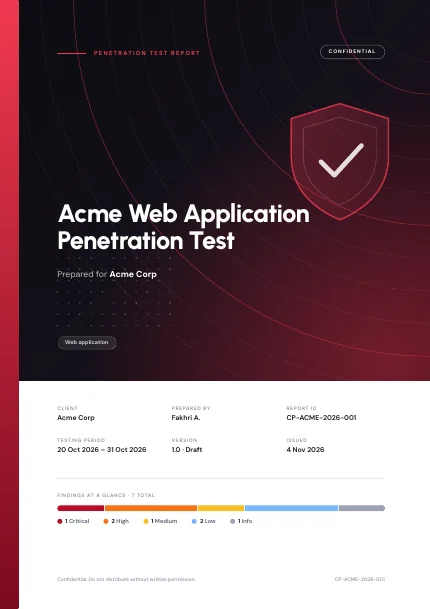
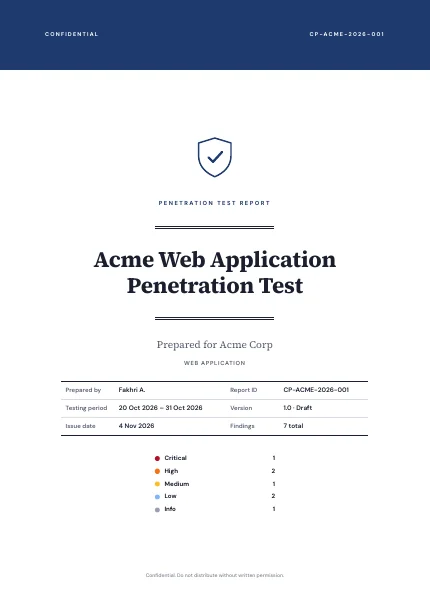
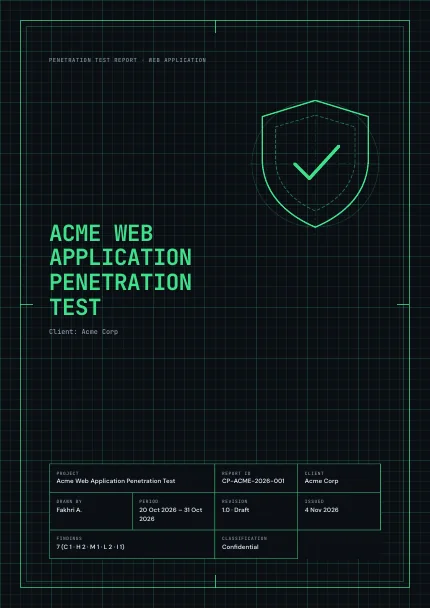
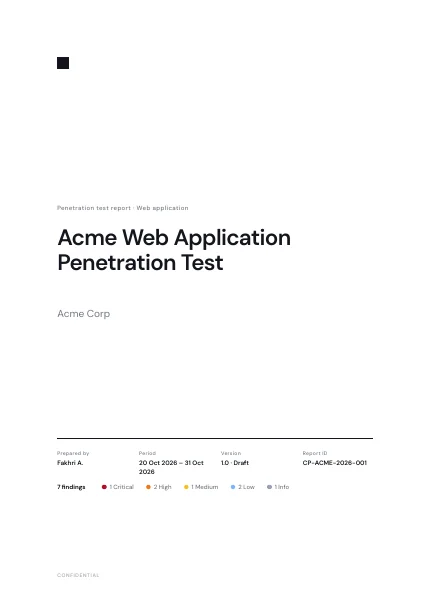

Practical writing on pentest reports, and plain updates on what we build. All posts
CipherProof turns scanner output and your own findings into a finished pentest report. Here is what it does, what it does not, and how to start.
A scanner gives you a list; a client needs a story. How to go from hundreds of raw results to a handful of findings you can defend.
Where CipherProof stores findings, who else handles data, how long deleted projects stay, and what we do not have yet.
The free plan includes one project. No credit card.
Get started, it's free